
Augmented Reality App
Scope
- UX redesign and basic style guide
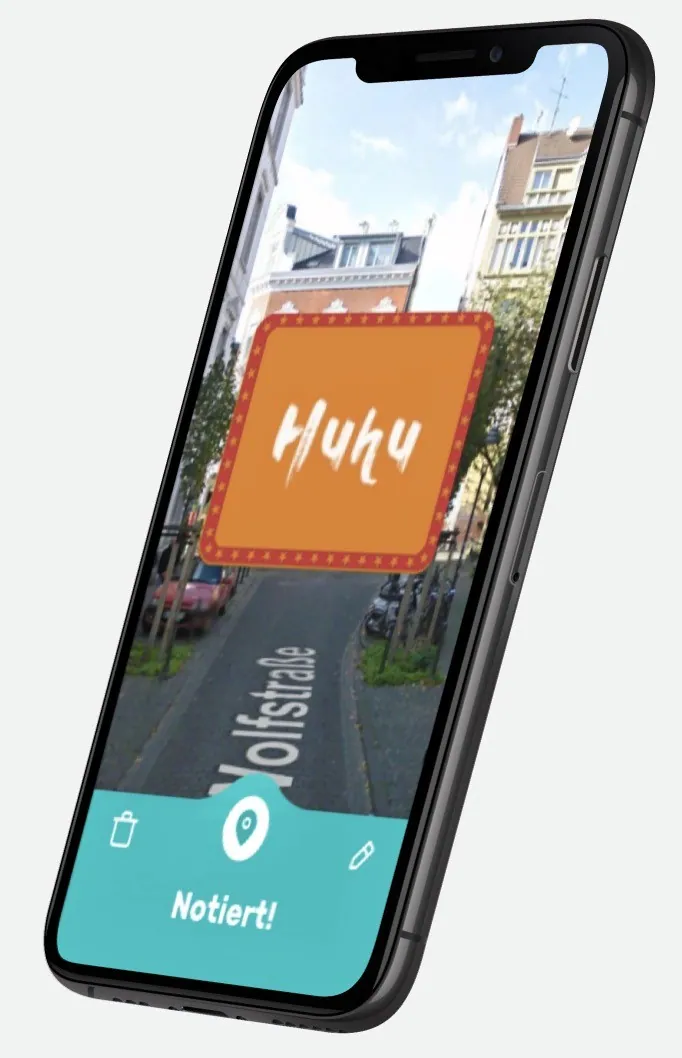
Messages stay where they belong: AR notes at real places, reimagined as a clear, understandable experience.
Real Note AR technology lets you post messages, images, stickers and 3D emojis at any real place: write on walls, hide AR messages for friends or post your selfie where it was taken.
Goal
Business and user goals – and my contribution to defining them.
- Business
- Turn an impressive AR feature into a product users understand immediately and like to open again.
- User
- Leave something at a place in a few steps – and friends find it there.
Problem
The data, insights and pain points the solution builds on.
AR interaction is unfamiliar: users must understand that content is tied to a place, how to place it and how to find messages. The redesign therefore started from the whole user experience.
- Unclear where and how content is placed.
- Orientation between camera, messages and places is difficult.
- A shared visual foundation was missing.
Solution
Approach, UX patterns, screens and design process.
Approach & UX patterns
The camera is at the centre: placing and discovering happen in the camera view, explanations and feedback as light overlays. A style guide (colours, typography, style of stickers and emojis) provides recognition.
Screens, UI flow & process
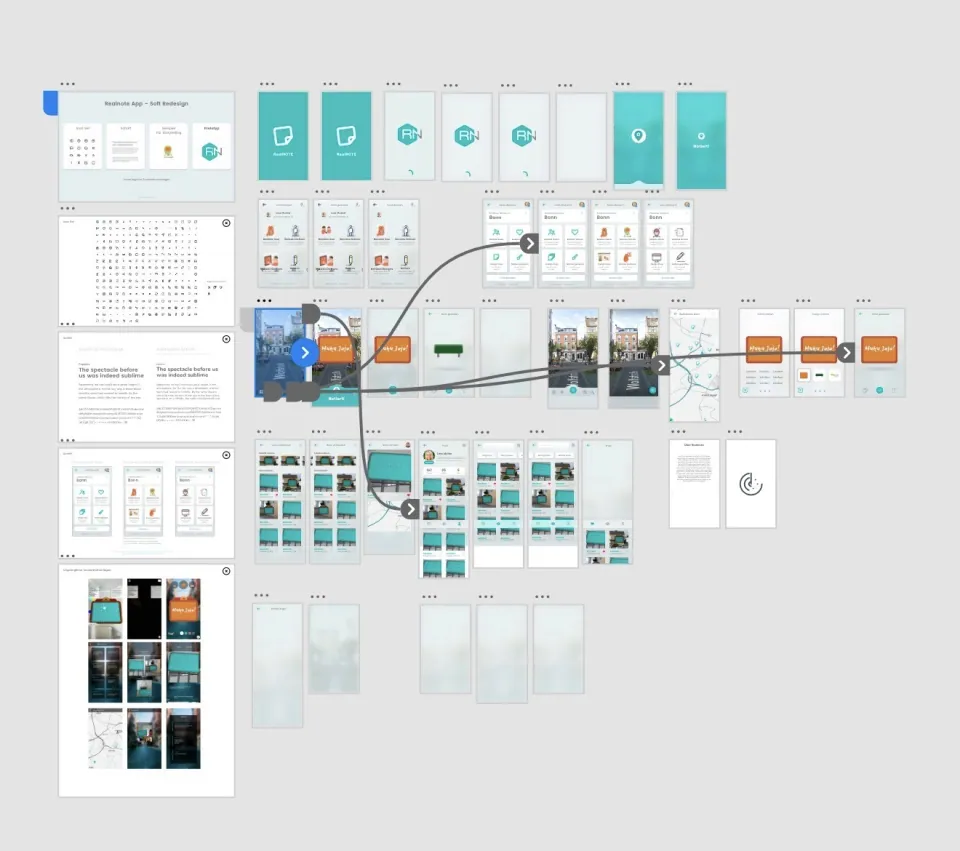
The overview shows the reorganised flows and screens in context.
Impact & Validation
Outcome and validation.
- Outcome
- A reorganised user experience with a style guide as the basis for further screens.
- Validation (planned)
- First-contact tests: do new users understand without explanation how to leave a message at a place?